


Track your playing card collection
Record the decks you own, keep track of what you want, and organise research material in one place. Use bookmarks as a simple collection database for playing cards.
Create your collection
Organise Your Collection
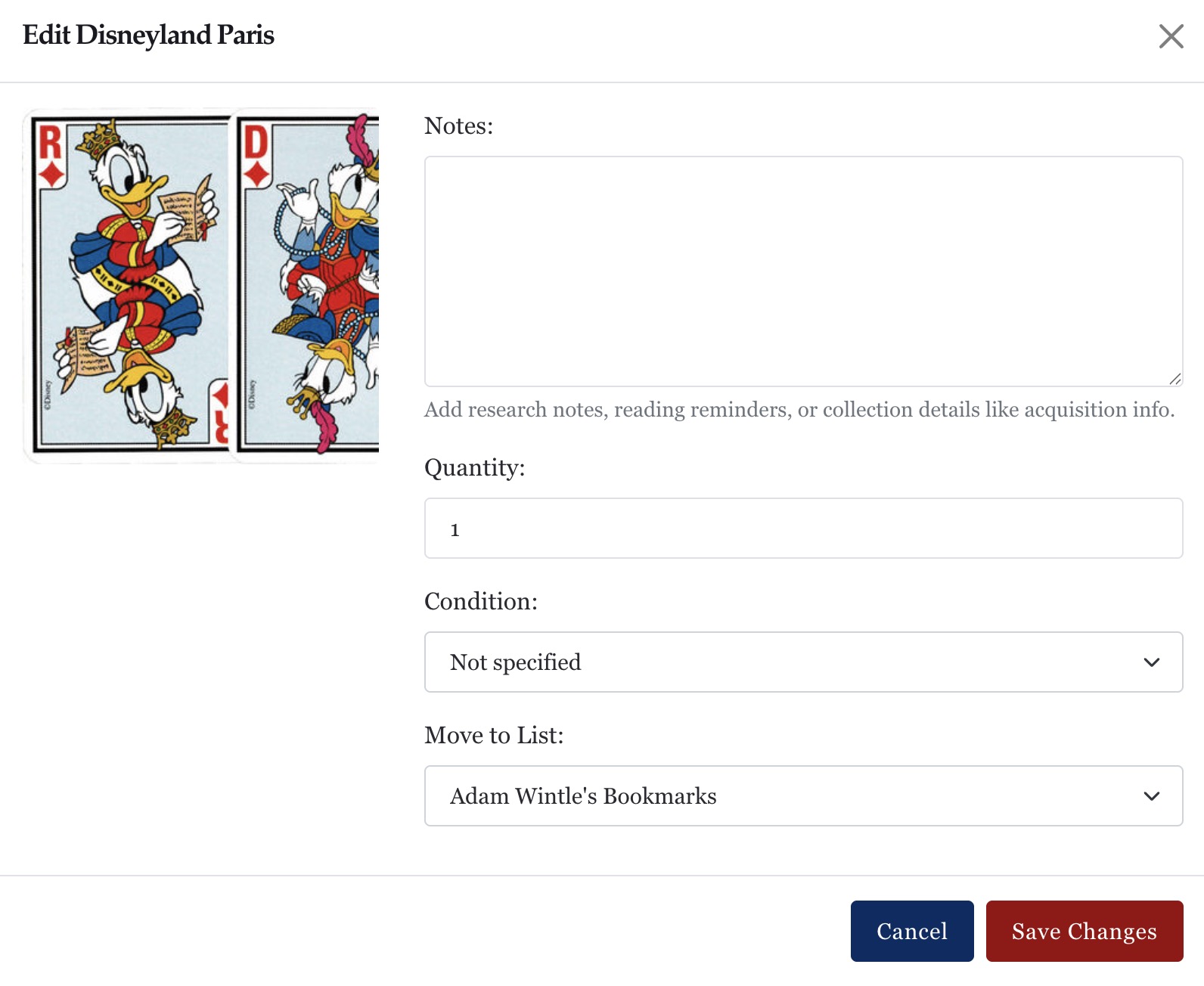
Create lists to organise your collection, wishlist, or research.
- Record quantities and notes for each deck
- Keep a personal collection list
- Build wishlists or research lists
Use bookmarks to track what you own, what you want, and articles you plan to revisit.
Public and private collections

"Make your lists public or keep them private."
Your Public Profile
When you create an account, you get a personal bookmarks page at:
/username/bookmarks/
Control who can see your collections:
- Make lists public to share your collection
- Keep lists private for your own records
- Browse public collections created by other members
You can switch any list between public and private at any time.
Add decks to your collection from any page

Click the Bookmark button to add a deck or article to your collection.
Choose a list (or create a new one), and optionally add a note or quantity.
You can edit or remove bookmarks whenever you need.
Example collection
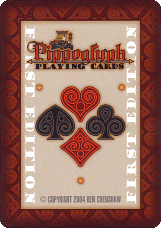
My playing card collection
167
Total items
Peter Burnett
CreatorStart your own collection
Here is an example of a member’s collection.
Create your own lists to organise collections by:
- Theme or subject
- Maker or designer
- Personal interests or research topics
Choose for each list to be public or private.
Unlike standalone tools, your collection sits alongside detailed historical and production information for each deck.